
THE AMBIENT STREAMINGREWARDS PLATFORM
The streaming network where creators and fans squad up, clip moments with Louie, climb the weekly charts, and earn real rewards from interactions.
The old way was
built for the platform.
We built SharePlay for the creator. Every feature is designed to grow your community, surface your work, and pay you for it.
Legacy platforms
- ✕Solo streams. Your community stays siloed.
- ✕The algorithm decides who gets seen.
- ✕You cut your own clips, by hand.
- ✕Your content gets reposted — you get nothing.
- ✕Tips and subs, then the trail goes cold.
SharePlay
- ✓Co-stream with up to 5 — merge communities live.
- ✓Weekly leaderboards surface you by talent.
- ✓Louie auto-clips your best moments to Plays.
- ✓EchoSync tracks & licenses every reshare.
- ✓XP, Loot Vault & real rewards on every action.
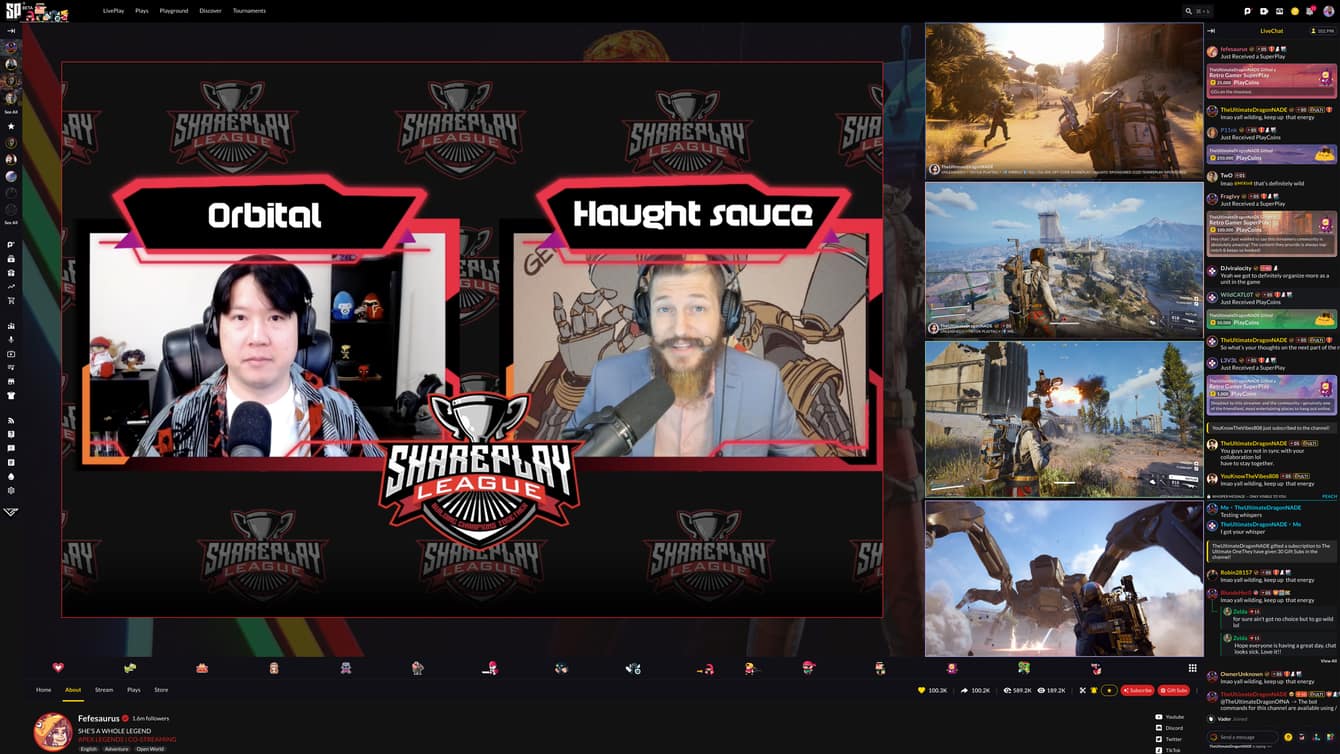
CO-STREAM.
Up to 5 creators and their fans in one stream with a single unified chat.
Merge communities, collab live, and turn separate audiences into one room.
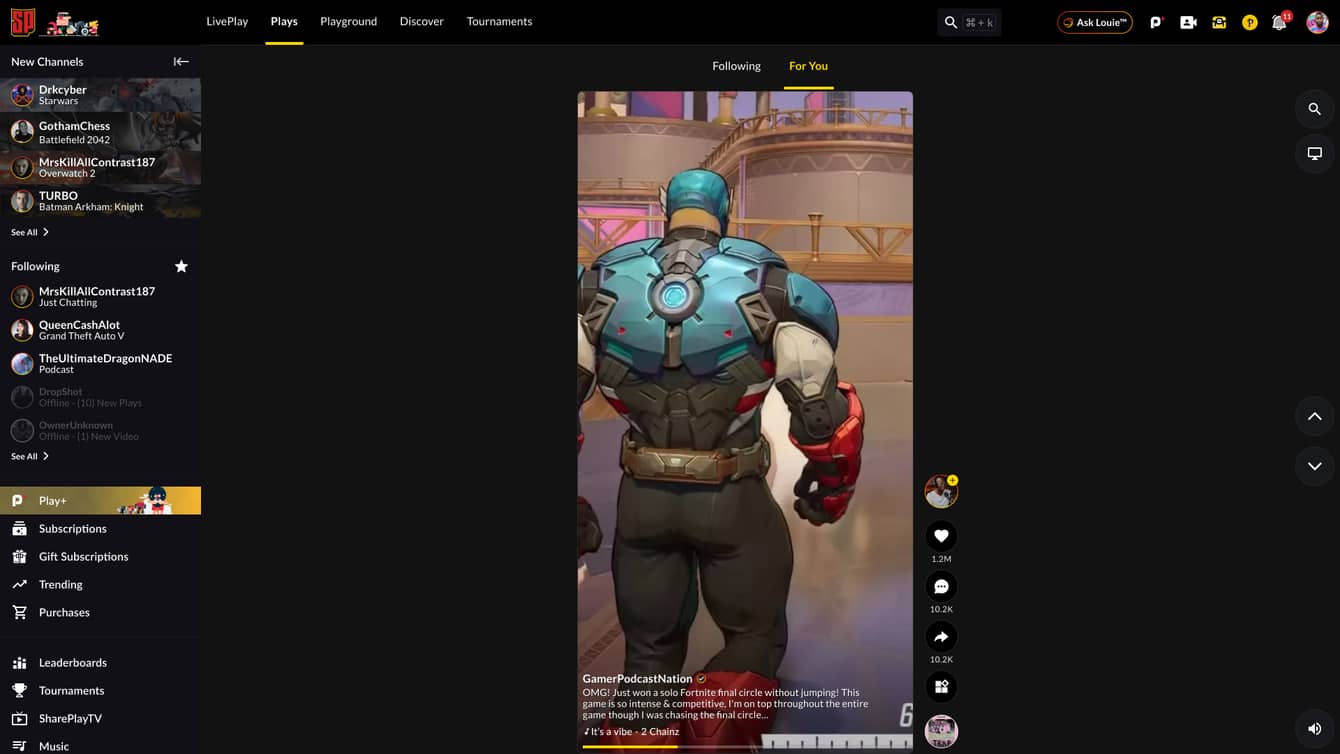
PLAYS.
SharePlay's short-form feed. Clip straight from your live stream — or let Louie, your AI clipper, catch the moment and post it to Plays for you.
SUPERPLAYS®
SharePlay's emotes. Buy and send Superplays with PlayCoins — our in-app currency — to hype the moment and trigger rewards for everyone.



EARN XP.
Every like, chat, share, and Superplay gift earns XP. Level up to climb the leaderboards and unlock the Vault.
LOOT VAULT.
Spend XP and pull rewards into your Vault — with a shot at rare, exclusive, collectible items that level up your profile.
Every claim feels like
opening a loot box.
Daily quests tied to what you actually do on stream, a holographic Loot Vault of tiered drops, and a case-opening reveal — reel spin, confetti, the works — on every prize. Not a mockup. It's live, right here.
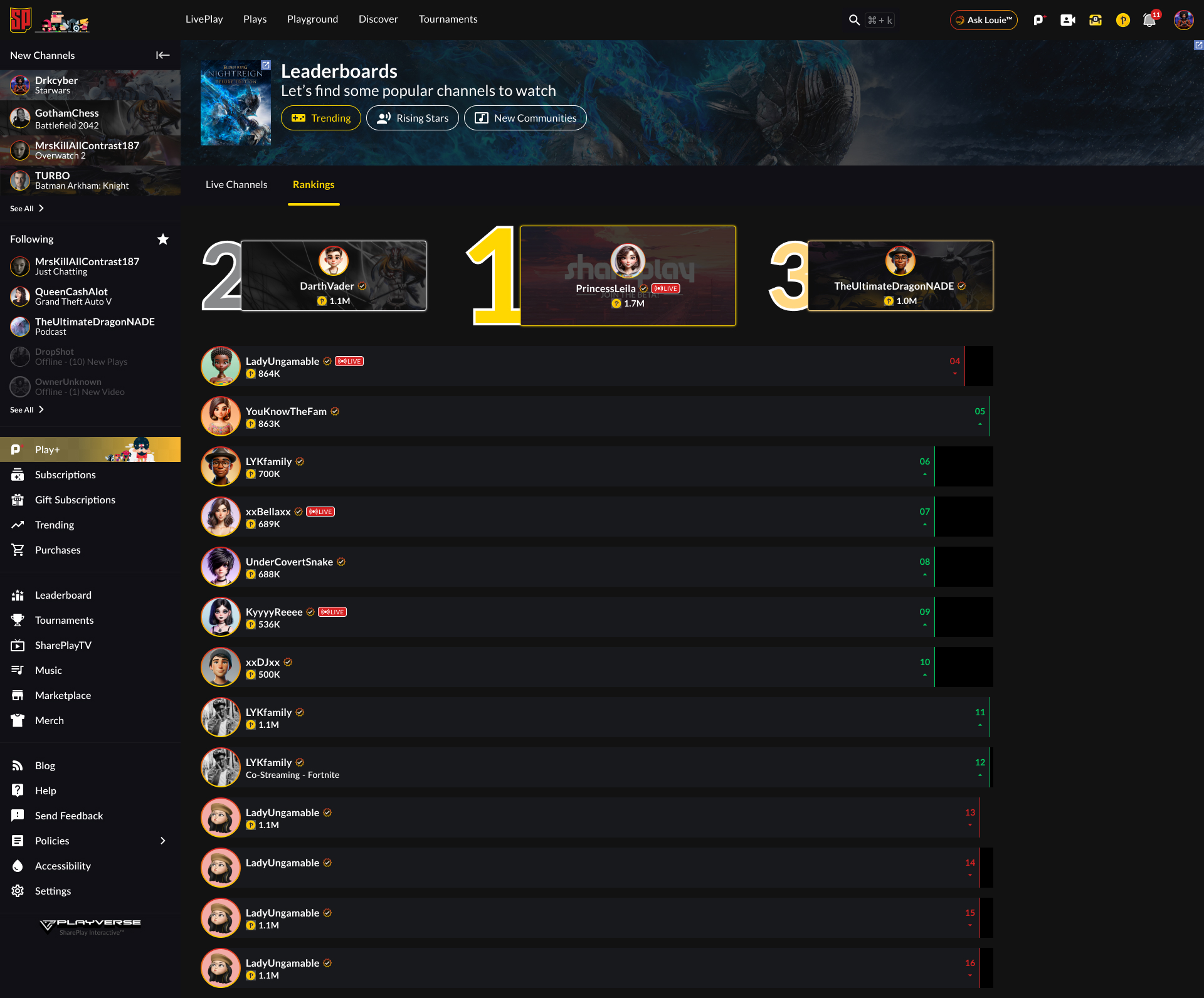
Get ranked.
Get discovered.
A global, Billboard-style Top 100 for creators — ranked weekly and reset every Monday. Climb the charts, get surfaced to new audiences, and earn your spot.
↻ Resets every Monday · a chart for every genre & tier
Own what you
create.
When your clips travel the internet, EchoSync goes with them. It fingerprints your streams, clips, and audio, tracks every reshare, and turns confirmed usage into licensing revenue you control.
The essentials,
done right.
Gifted subs
Gift subscriptions to the community — fast, simple, and built in.
Subscriptions
Recurring support with subscriber-only perks and badges.
Tips & PlayCoins
Instant tipping during streams, with on-screen shoutouts.
Mobile streaming
Go live, co-stream, and/or clip from your phone in seconds.
SQUAD UP.
Join the streaming network built to grow your community and pay you for it.